
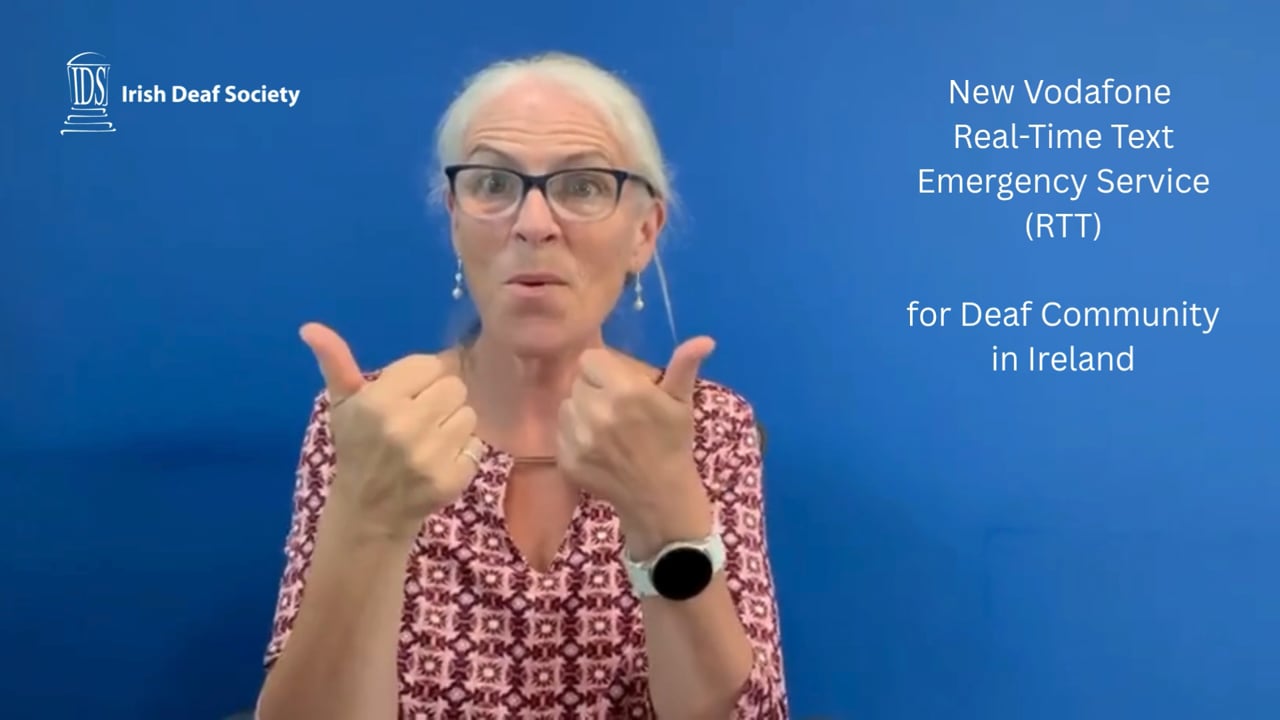
Vodafone Ireland has launched a new emergency Real-Time Text (RTT) service. This means you can now contact 112 using text – and the other person will see your message as you type. No delays. No waiting. A huge step forward for accessibility and safety!
Watch ISL Video to explain what RTT is, how to turn it on (Android + iPhone), and where to find more info. It was also featured on RTÉ News with ISL, and the technology was first developed at Gallaudet University 8 years ago
[HOW TO TURN ON RTT – STEP BY STEP] Android: Open Settings Tap Accessibility Tap Hearing or RTT Turn RTT ON Done!
iPhone (iOS):
Open Settings Tap Accessibility Tap RTT/TTY Turn RTT ON Enter “112” for emergency call Done!
Where to find it – usually near your phone/call icon
Share with Deaf friends & family!
 More info here:
 RTÉ News with ISL (start at 17 mins): https://bit.ly/3U8jaoX
 RTÉ News article: https://bit.ly/4l68zGc
 Gallaudet video: https://bit.ly/3IStijg
 Need help setting up RTT? If you need support with RTT settings on your phone –
  Contact Information Officer: 087 204 0026
Published: 31st July 2025